
A trading journal you can finish before the next candle closes
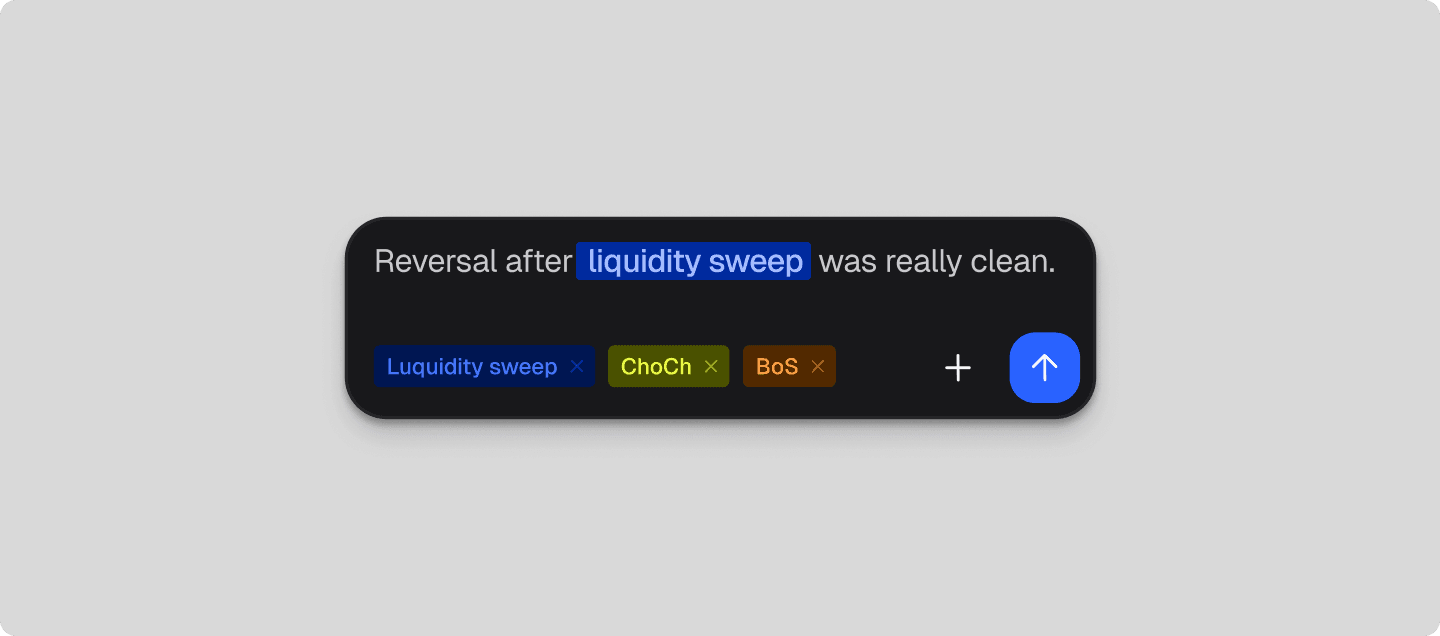
Almost every trader has started a trading journal and abandoned it. Not out of laziness, but friction: a journal that lives in another tab, in a template with nineteen columns, gets filled in on Sunday from memory — and memory is precisely the part of a review that is worthless. Journal logs the trade in the same panel where you sized it.
Open to the community beta group.
Friction decides whether a journal exists at all
The review you actually get is the one you can complete in fifteen seconds while the trade is still on screen: exit price, a label, one line about why, a screenshot of the chart you were looking at. Four fields is not a compromise on rigour — it is the reason there is any data to review.
The sizing inputs carry over from Trade, so risk, stop distance and costs are already attached to the entry. Nothing is retyped, which means nothing is quietly rounded, mistyped or remembered generously. The method is the one described in a five-minute trade journal you will actually keep.
The best journal is not the most detailed one. It is the one that still has entries in month three.
Labels turn entries into patterns
One trade tells you nothing. Forty trades tagged by setup — liquidity sweep, change of character, break of structure, session, whatever vocabulary you already use — tell you which ideas pay for themselves and which ones you keep taking anyway.
Because the labels are yours rather than a template's, the review answers your questions: which setup, which session, which instrument, and what your risk was doing at the time.
Your history stays yours
Entries stay attached to the account they belong to, so a $50k evaluation and a funded account never blur into one set of statistics. No more Notion, no spreadsheet to maintain in parallel, and nothing to migrate out of later.
It also makes the next part possible: analytics are only as good as the history underneath them, which is why the journal ships before the thing that reads it. What to do with a month of entries is covered in the education library.
What it does
- Four fields and a screenshot: enough to review from, quick enough to actually do.
- The sizing inputs carry over from Trade, so risk and costs are logged with the entry.
- Setup labels group trades, so the patterns you repeat become visible.
- Notes written while the chart is still on screen, not rebuilt from memory on Sunday.
- Your history stays yours — no more Notion, and nothing to migrate out of.
- With a connected terminal, autosync is planned to log the trade itself, so you only add the label and the note.